Monitoring
Overview
In QueryPie, query execution has three paths:
- Users input queries and execute them using Web Editor.
- Using SQL Request in Workflow, after approval is complete, the Executor presses the execute button to execute.
- Execute through QueryPie Proxy using 3rd party tools (such as DBeaver) with the user agent method or using URLs with the agent-less method.
Queries executed as above can be monitored through Running Queries and Proxy Management, and administrators can forcibly stop them if necessary. (Available from 10.3.0 onwards)
From 10.3.0, the query force stop feature has been added to the Running Queries feature that was previously only available for monitoring under Audit. Proxy Management had session force functionality from before and has only been moved under Monitoring.
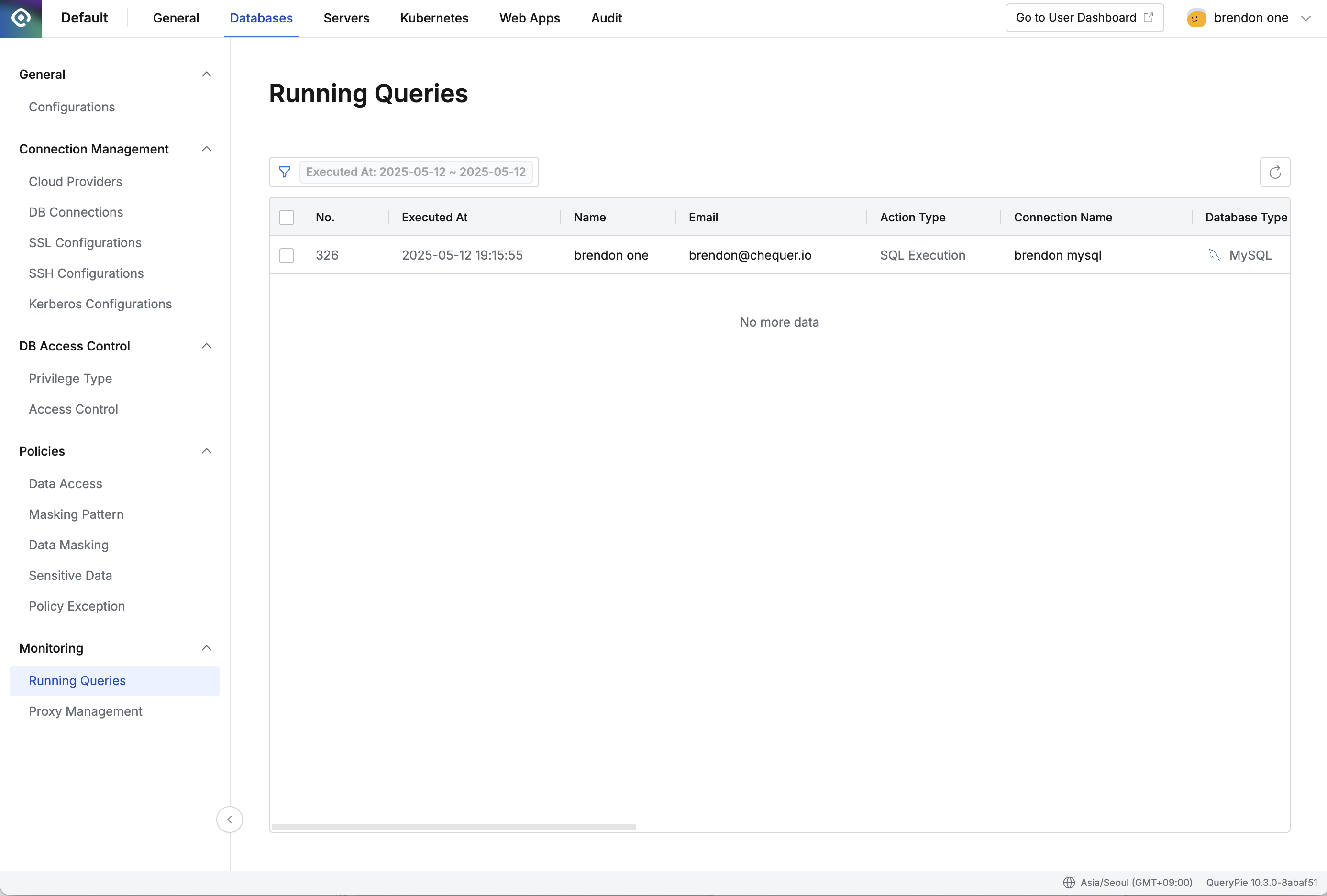
Databases > Monitoring > Running Queries
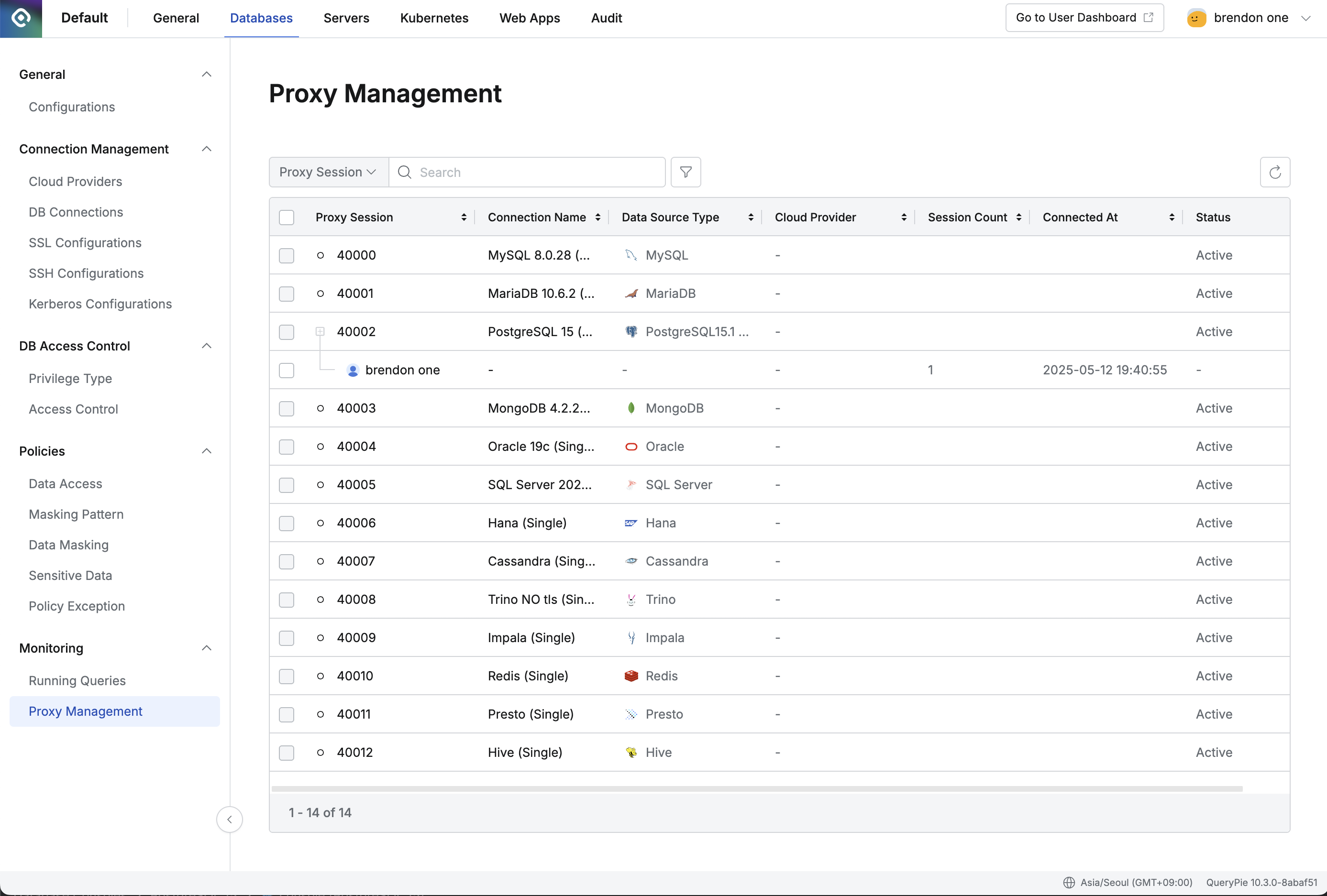
Databases > Monitoring > Proxy Management
Last updated on