(New) Policy Management
Overview
The existing QueryPie DAC provides data policies such as Data Access, Data Masking, Sensitive Data. Ledger Table Management and similar data policies. However, these policies must be set individually for each connection, and rules must be applied for each table and column. Furthermore, it does not provide import and export functions for policies.
From version 10.2.6 onwards, a new policy management feature is provided to address these inconveniences. Through the tag-based policy application feature, after mapping DBMS paths and tags, policies can be dynamically assigned by tags when applied. You can configure access to only specific tables through tags assigned to tables.
Using the New Policy Management Feature
To use the new policy management feature, you must first enable it.
In General > Company Management > Security, set New DAC Policy Management to Enable in the DB Connection Security sub-item.
(Default value: Disable)
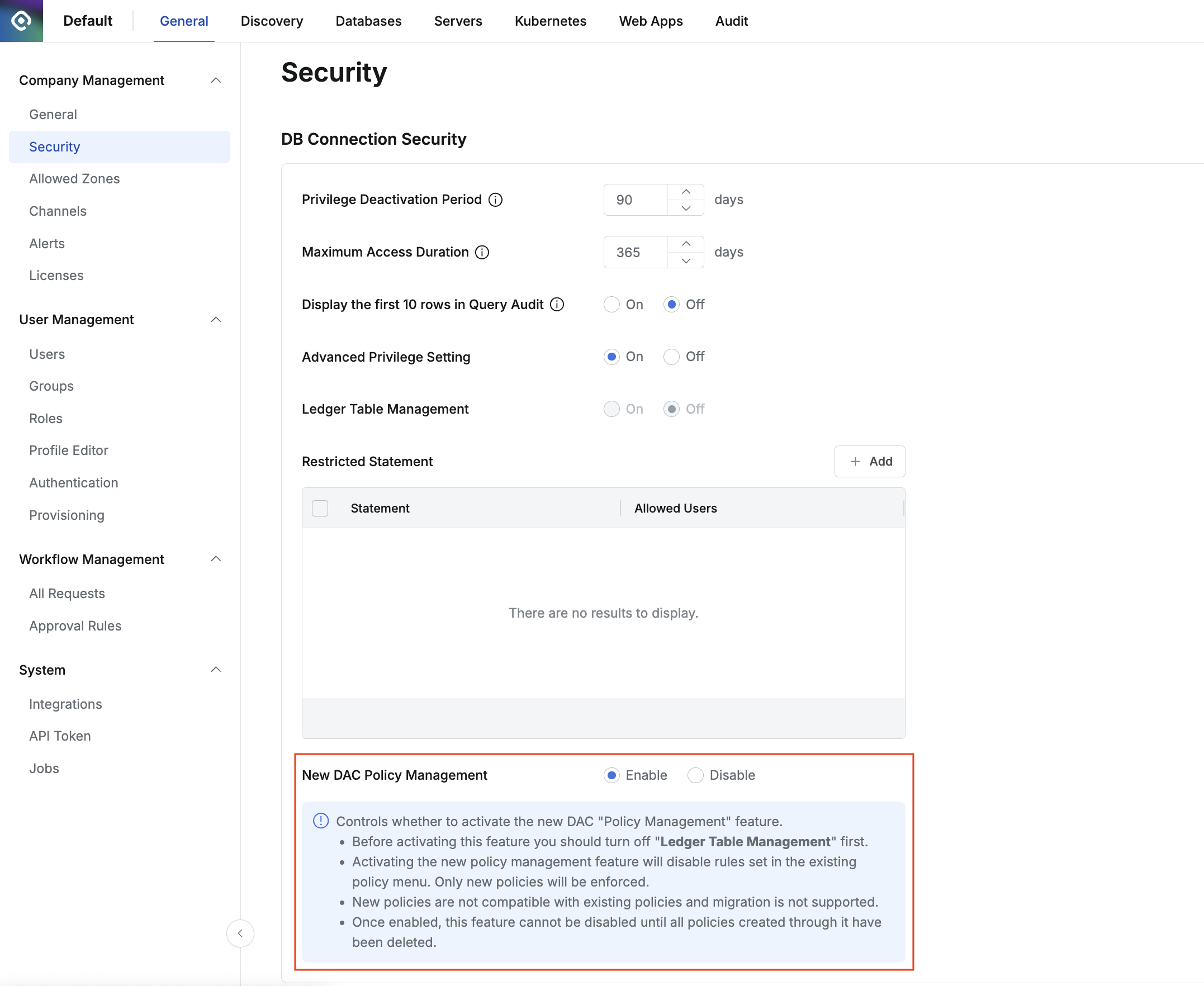
Enable New DAC Policy Management
Before enabling the new policy management feature, you must first review the following:
- Before enabling this feature, you must first turn off the ledger table management feature.
- When the new policy management feature is enabled, existing policies are deactivated and will not be visible in the menu. To access the settings screen, you must directly enter the URL of the existing policy in the browser.
- Direct access URLs for old policy pages
- Data Access: https://
{QueryPie Host}/database-settings/policies/data-access - Data Masking: https://
{QueryPie Host}/database-settings/policies/data-masking - Sensitive Data: https://
{QueryPie Host}/database-settings/policies/sensitive-data - Policy Exception: https://
{QueryPie Host}//database-settings/policies/policy-exception
- Data Access: https://
- When the new policy management feature is enabled, existing policies are deactivated. Existing policies are not deleted, so you can still check the content of existing policies by navigating to the existing UI through the URL.
- Policies created with this feature are not compatible with existing policies and cannot migrate existing policies.
- You can only disable this feature after deleting all policies created with the new policy management feature.