KAC General Configurations
Starting from 10.3.0, KAC-related settings previously under Administrator > General > Security have been moved to each service menu under General > Configurations. Starting from 11.4.0, the Maximum Access Duration option has been added to specify the maximum period for user privilege requests and administrator privilege grants.
Kubernetes Access Control Settings
Provides settings for security in container-based environments, such as Kubernetes cluster access control, permission management, and session policies.
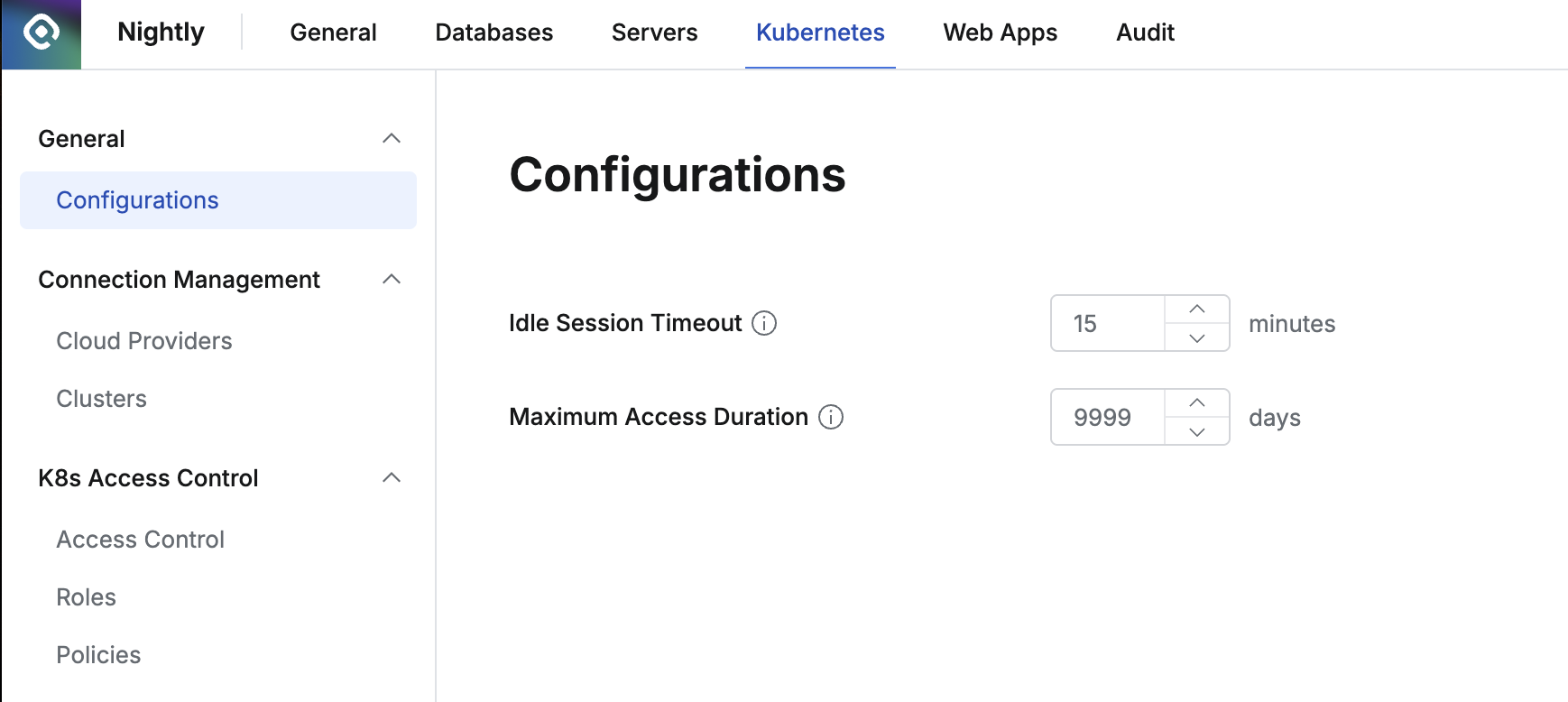
Kubernetes Configurations options
- Idle Session Timeout (Minutes): Pod session timeout (Default: 15)
- Specify idle time when connecting sessions via exec, port-forward, or attach
- Maximum Access Duration: Option to specify the maximum period for privilege grants. You cannot create privilege requests exceeding the specified period, and administrators also cannot grant privileges exceeding this period. When this period expires, privileges are automatically revoked.
- Minimum: 1, Maximum: 9999
Last updated on